01
Pick lists and waves
One order or a wave of many, walked in bin order on a printable list you design yourself. Printed lists are marked so nothing goes out twice.
Orders move from confirmed to shipped in the same system that knows your stock. Pick lists follow the bins you actually have, the scale is the only source of truth for weight, and labels, rates and tracking aren't a side app you hope stays in sync.
One order or a wave of many, walked in bin order on a printable list you design yourself. Printed lists are marked so nothing goes out twice.
Pick to a staging area first if that's how your floor works. Staged stock stops being available without pretending it has shipped.
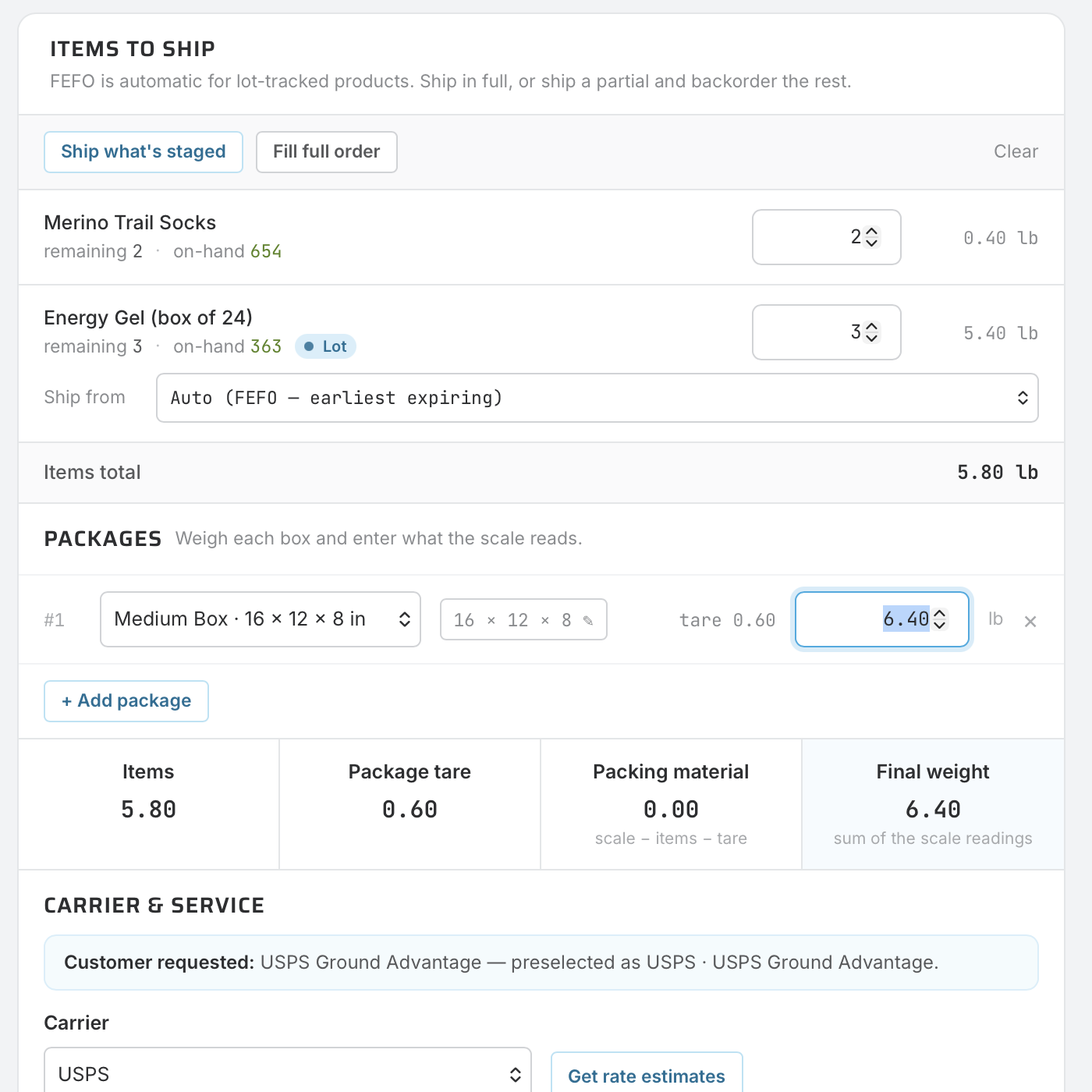
A packaging library with tare weights, and a scale reading that wins over any estimate. Item weights show what the contents ought to weigh so a wrong pack stands out.
Your carriers sit in the ship step: quote, shop rates across services, buy the label, and file the tracking number, all in the same flow. Demo mode lets you walk it before spending a cent.
One shipment, a label per box, each priced on its own size and weight. Split an order across boxes without splitting the paperwork.
The shipping they picked at checkout stays selected at the dock. Let shippers override it with a warning, or lock it, and track the shipment back to the store it came from.
That's the usual setup. Here the shipment is the ledger event: the moment a label prints, stock, the order, the customer's tracking link and the invoice all know.
Pick from a printout, weigh by eye, buy the label somewhere else, then type the tracking number back into two systems.
Pick, pack, rate, label and post in one screen. The order flips to shipped, stock moves, the tracking link goes to the customer, and returns come back through the same door.